Real Estate Video Cost Details for Agents and Property Owners Real estate video pricing varies based on property size, video quality, and location. To help both beginners and experienced professionals budget effectively, standard market rates are generally divided into three main price tiers. Video Package & Price Ideal Property Types Included Services & Gear Low-Budget($200 … Read more
Using Property Walkthrough Videos to Close More Deals A real estate walkthrough video is a continuous, high-definition video tour that guides a viewer through a property. Unlike short social media reels with heavy filters, it simulates the actual experience of walking through the front door, moving from room to room, and exploring the space. It … Read more
Google Vids: Practical Uses and Real Capabilities Google Vids is a new AI tool inside Google Workspace that turns simple text or documents into presentation videos. Many users ask, is Google Vids free with Workspace? Yes, it is included in most business accounts, allowing teams to save hours of manual work. If you know how … Read more
What is Google Vids and How It Helps Your Business Google Vids is a new AI tool inside Google Workspace that turns simple text prompts or Google Docs into clean presentation videos instantly. It requires zero technical editing skills, so if you can build basic Google Slides, you can easily use its automatic layouts, built-in … Read more
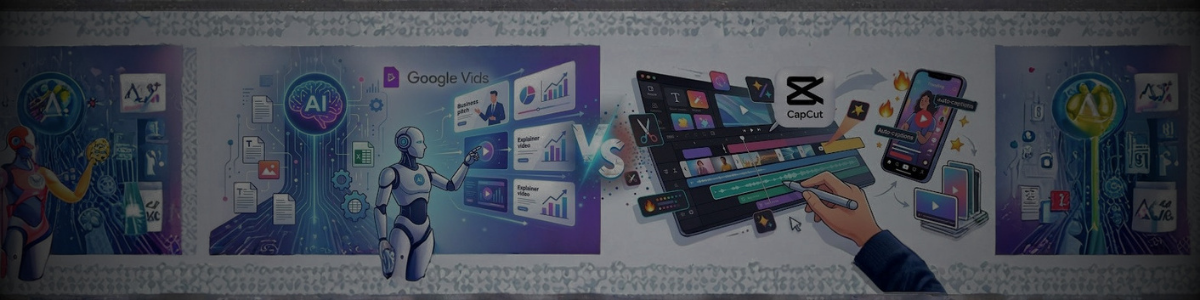
Google Vids Turns Text into Videos Automatically. CapCut Gives You Total Editing Control. Which One Saves More Time? Google Vids uses an AI engine to turn text docs, scripts, and slides into video presentations automatically. This workflow saves massive time when generating corporate explainers and pitch decks directly from your files. CapCut functions as a … Read more
Copy These Video Scripts for Property Tours, Reviews, Renovations, and Self-Introduction — Then Turn It Into a Video With AI Most real estate agents avoid making videos because they don’t know what to say. Writing a script takes time. Thinking of the right words takes even longer. These 5 templates fix that. Copy the words, … Read more
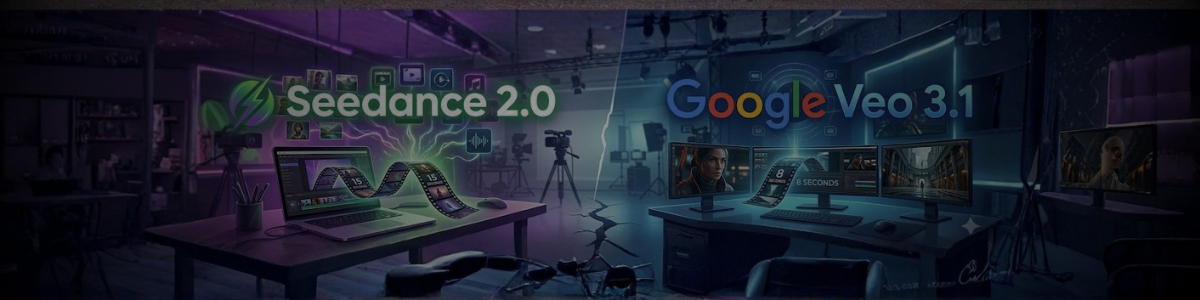
15 Seconds of Clips at $9.99 vs 8 Seconds at $249 — The Price Gap That Changes Everything Seedance 2.0 is ByteDance’s AI video tool launched in February 2026. Google Veo 3.1 is Google DeepMind’s flagship video AI model. Both create cinematic-quality videos from text prompts. But they work very differently and cost very differently. … Read more
Google Vids Does One Thing Really Well. Canva Does Everything. Which One Should You Pay For? I have been using both tools for a while now. And the truth? They are not really competing with each other — they just feel that way because both make videos. Let me break down what I actually found … Read more
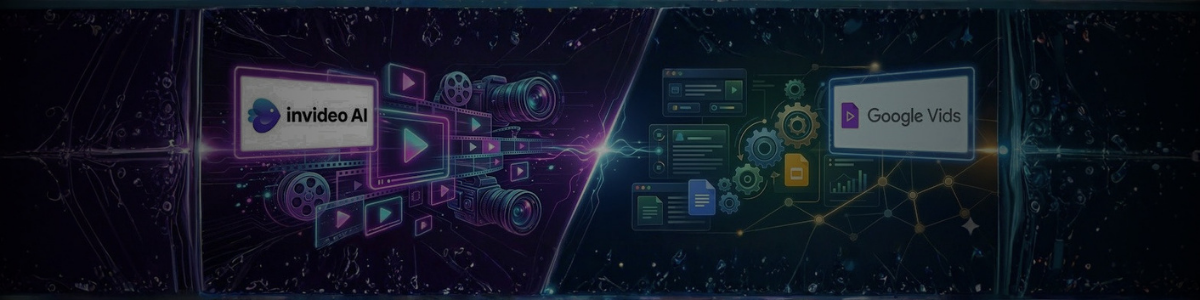
Compare Pricing, Features, Speed, and Video Quality — Then Decide Which Tool Fits Your Work Two AI video tools are trending hard in 2026 — InVideo AI and Google Vids. Both make videos from simple text prompts. But under the hood, they work very differently. 10 Things You Should Compare Before Picking InVideo AI or … Read more
Easy Video Creation for Real Estate Agents and a New Income Path for Freelancers in 2026 Real estate listings with videos get 403% more inquiries than photo-only listings. But traditional videographers charge $500-$1200 per property and take 3-7 days. AI video tools changed this completely in 2026. Now agents can create cinematic property videos for … Read more
The Ultimate Directory of Best AI Tools for Every Industry in 2026
Look, finding the right AI tool shouldn’t feel like scrolling through a thousand listicles that all say the same thing. So we built this hub differently. Whether you’re running a 4-person marketing team, teaching grade-7 science, cleaning up messy sales data, or writing a dissertation at 2 AM — the tool you actually need is somewhere on this page.
A quick reality check before you dive in. GPT-5.4 just hit 83% on knowledge work benchmarks, and roughly 2 out of every 3 students and professionals now use AI weekly. That’s not hype — that’s the new baseline. The people winning right now aren’t the ones using the most AI. They’re the ones using the right AI for their specific work. That’s what this directory is for.
Top AI Tools for Business & Productivity
Every business leaks time. Status update meetings that could’ve been Slack messages. Sales reps copy-pasting CRM notes. Marketing writing the same email for the fifth time this quarter. The top AI tools for business don’t fix this by being smarter — they fix it by removing the busywork that blocks smart work from happening.
Leading Business AI Platforms
ChatGPT Enterprise — Teams use it for the heavy stuff: reviewing 40-page vendor contracts, drafting RFP responses, and handling support tickets at volume. The enterprise tier matters because your data doesn’t get used for training.
Claude — If you’re dealing with long documents, sensitive writing, or anything where nuance matters, Claude is usually the better call. Legal teams and consultants seem to lean on it the most.
Zapier — Not a chatbot. It’s the glue. When a form submission needs to create a CRM entry, ping Slack, and trigger an email sequence — Zapier is what makes that happen without a developer.
AI Productivity Tools for Business
Chatbots answer questions. Productivity AI restructures the way a team actually ships work. Big difference.
Notion AI — Lives where your docs live. Summarize a 90-minute meeting into action items, turn a messy brainstorm into a structured brief, and pull last quarter’s notes into this quarter’s plan.
ClickUp Brain — Automates work across 8,000+ connected apps, and here’s the interesting part — it actually predicts which projects are going to slip deadlines, before your PM notices.
Zapier — Worth mentioning twice because its AI-powered zaps turn “if this happens, then do that” into “if this happens, figure out what should happen, and do it.” That shift is bigger than it sounds.
AI Tools for Design & Video Creation
Creative teams have a brutal equation to solve: more assets, more platforms, same headcount. AI is genuinely changing this — not by replacing designers, but by killing the boring parts of the job (resizing, captioning, rough cuts, variations) so the creative time is actual creative time.
AI Tools for Graphic Designers
Adobe Firefly — Trained only on licensed content, which is why agencies working with big brands use it. It’s commercially safe — nobody’s going to get sued over a client deliverable.
Canva Magic Studio — The Swiss army knife for teams that don’t have a full design department. Brand kits, one-click resizing, and surprisingly good generative fill baked into a tool non-designers can actually use.
Midjourney — Still the one when you need visuals that look like art, not stock. Moodboards, pitch decks, concept exploration — nothing matches it for aesthetic range.
Kittl — Built specifically for branding work. Freelance designers are reporting logo turnarounds 5x faster than traditional Illustrator workflows, which changes the economics of small-brand design work entirely.
AI Video Editing Tools
Video is the category where AI has moved fastest. A year ago, turning a podcast episode into ten TikToks took a full day. Now it takes about fifteen minutes.
OpusClip — Feed it a long-form video, get back short clips with captions, vertical framing, and AI-picked hooks. Creators who used to hire editors for clip work have mostly moved here.
Reap — OpusClip is for solo creators; Reap is for when you’re a team running clip production at scale. Agencies and podcast networks live inside it.
Runway ML — The heavy-duty one. Generative video, green-screen without a green screen, motion tracking, and AI upscaling that pushes low-res footage up to 4K. What used to be a day of restoration work is now a coffee break.
AI Tools for Education & Research
Teachers don’t have enough prep time. Researchers can’t possibly read everything in their field. Students are overwhelmed by sources. Three different problems, but AI is quietly solving all of them in different ways.
AI Tools for Teachers and Educators
MagicSchool.ai — Now used by over 2 million teachers globally. The killer feature isn’t lesson plans — it’s generating IEPs and differentiated rubrics, the kind of paperwork that used to eat entire Sunday afternoons.
ChatGPT — Teachers use it as a co-planner. Need the same concept explained at a 5th-grade level and an 8th-grade level? Done in seconds. Want ten different warm-up questions for tomorrow? Easy.
EduSageAI — More specialized. It focuses on curriculum alignment and assessment design, which matters a lot for schools dealing with state standards and accreditation.
AI Tools for Students and Research
ChatGPT — Used for understanding, not shortcutting. Ask it to explain a concept five different ways until one clicks. Use it to pressure-test your essay thesis. That’s where it earns its keep.
Google Gemini — Wins on research because it integrates directly with Search, Docs, and Drive. You’re not copy-pasting between tabs.
Elicit — This is the one grad students quietly rave about. It extracts structured data directly from academic papers — methods, sample sizes, findings — so a literature review that used to take three weeks takes maybe three days.
AI Tools for Data Analysis
Here’s what’s changed. Five years ago, asking a question of your data meant writing SQL or DAX or at least knowing enough Excel to get dangerous. Now you can type “which product lines lost margin in Q3 and why” and actually get an answer. The AI tools for data analysis below are the ones making this real at enterprise scale.
Power BI — Microsoft’s built AI copilots directly into it. They write the DAX, they build the narrative summaries, they forecast the next quarter. Analysts stopped being formula writers and started being interpreters.
Tableau — Still the visualization benchmark, and Salesforce has been aggressive about bolting AI onto it. Ask Data and Einstein Discovery turn natural language into dashboards.
ChatGPT — Underrated for ad-hoc analysis. Drop a CSV in, ask what’s weird about it, and you’ll get observations a junior analyst would miss. Not a replacement for a real BI stack, but for one-off questions? Incredible.
The core shift is simple: analysts spend less time wrangling queries and more time explaining what the numbers actually mean. Which, honestly, is what they should’ve been doing all along.
Master FAQ: AI Tools in 2026
What are the best free AI tools in 2026?
Honestly, the free tiers are generous right now. ChatGPT, Claude, and Google Gemini all give you serious capability without paying. For design, Canva Magic Studio has a usable free plan. Teachers should grab MagicSchool.ai, and researchers should start with Elicit. Upgrade only when a specific limit becomes annoying — don’t pay before you’ve hit a wall.
How do I integrate AI into my existing workflow?
Don’t try to AI-ify your whole job at once. That’s how people burn out on these tools. Pick one thing you hate doing — meeting notes, weekly reports, inbox triage — and automate just that. Use Zapier or ClickUp Brain to handle the handoffs. Once it saves you an hour a week consistently, then expand. That’s the whole strategy.
What is the best AI tool for UI/UX design?
Depends what stage you’re at. Early exploration — Midjourney or Adobe Firefly for mood and direction. Rapid mockups — Canva Magic Studio gets you something clickable fast. Brand and logo work — Kittl is genuinely fast, around 5x quicker than doing it in Illustrator from scratch.
How can teachers use AI ethically in the classroom?
Three rules that seem to work. One: tell students when you’re using AI — they respect honesty more than you’d think. Two: never trust the output blindly, always check for accuracy and bias. Three: use AI to prep and plan, not to replace your actual judgment in front of the class. Tools like MagicSchool.ai have educator guardrails built in, which helps.
Which AI tool is best for large-scale data analysis?
For enterprise data — millions of rows, multiple sources, governance requirements — it’s Power BI or Tableau, and the built-in AI copilots are why. For quick exploratory work on a spreadsheet someone emailed you, ChatGPT is surprisingly capable. Different tools, different jobs.
Are AI tools replacing jobs or augmenting them?
The data so far points to augmentation, not replacement. With 66% of students and professionals actively using AI and GPT-5.4 clearing 83% on knowledge work benchmarks, the competitive line isn’t AI vs humans. It’s humans with AI vs humans without. You know which side you want to be on.
What’s the difference between ChatGPT, Claude, and Gemini?
Quick version. ChatGPT has the biggest ecosystem — plugins, custom GPTs, integrations everywhere. Claude is the one most serious writers and analysts reach for — it handles long documents and nuance better. Gemini wins if you live in Google Workspace or need strong multimodal (image + text) reasoning. Most people I know who use AI heavily rotate between all three.
Which AI video tool is best for social media content?
OpusClip for solo creators turning podcasts or long videos into clips — it’s genuinely the fastest path. Reap if you’re a team or agency producing clips at real volume. Runway ML when you need the heavy stuff — generative effects, upscaling, anything that pushes past basic editing.